Quick Summary:
ZoomInfo is usually the better choice for high-volume outbound because it provides business emails, direct dials, firmographics, and intent signals. LinkedIn Sales Navigator is better for relationship-led selling, account research, and finding warm paths into target accounts. Choose based on your sales motion, data needs, CRM workflow, and cost per qualified meeting, not seat price alone.
TL;DR: Key Takeaways
- ZoomInfo supports outbound execution. It provides contact data, company intelligence, and intent signals that help teams build and prioritize lists.
- Sales Navigator supports account research. It helps sellers identify people, monitor changes, and use shared connections to start conversations.
- Data quality must be tested. A 100-contact test reveals email deliverability, phone accuracy, and title freshness for your specific market.
- Seat price is not total cost. Include credits, add-ons, enrichment tools, rep time, and CRM cleanup when comparing platforms.
- Define CRM field ownership first. Decide which system owns email, phone, title, firmographics, pipeline stages, and rep notes before syncing data.
- Measure cost per qualified meeting. The platform that produces more sales-accepted meetings at a lower total cost wins.
ZoomInfo vs LinkedIn Sales Navigator comes down to the job your team needs done. ZoomInfo is stronger for outbound teams that need contact data, account intelligence, and intent signals at scale. Sales Navigator is stronger for sellers who rely on LinkedIn research, relationship mapping, and warm introductions.
Many B2B teams lose time to bounced emails, outdated titles, incomplete company data, and lists that never convert into meetings. The right platform reduces that waste, but only when it fits your ideal customer profile, sales motion, and CRM process. Here is how to make the decision:
What ZoomInfo and Sales Navigator actually solve
ZoomInfo is a B2B data and go-to-market intelligence platform. It helps revenue teams find accounts, enrich contact records, identify buying signals, and connect prospect data to CRM and sales workflows.
LinkedIn Sales Navigator is a sales research and relationship layer. It helps sellers search LinkedIn’s professional network, monitor account and lead activity, and identify mutual connections that can open a conversation.
Every prospecting motion needs answers to two questions: Who should we target, and how do we reach them? Sales Navigator is strong at identifying people and understanding their professional context. ZoomInfo is stronger at supplying the contact details and account data needed to act at scale.
Where ZoomInfo is strongest
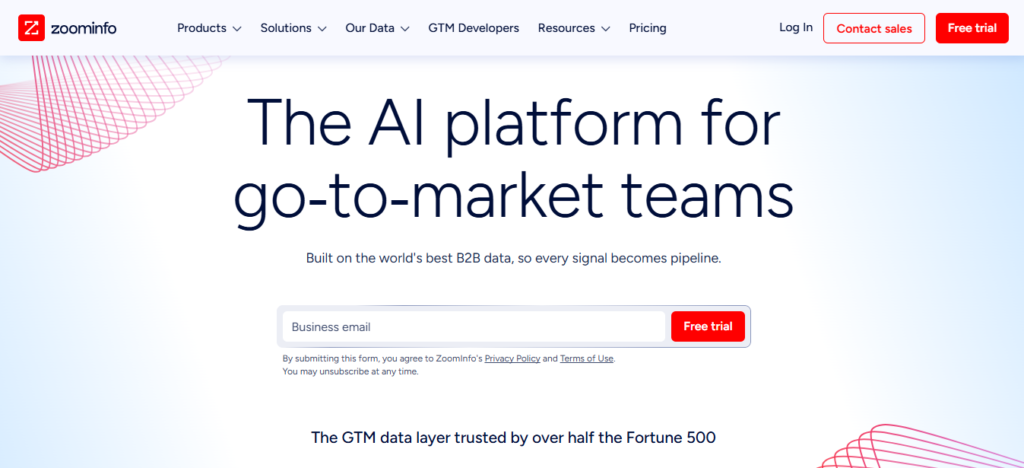
ZoomInfo is built for teams that need to find, enrich, and contact prospects at volume. Its platform includes contact records, company records, intent topics, technographics, job-change signals, and CRM-connected data workflows.
According to ZoomInfo’s official data page,
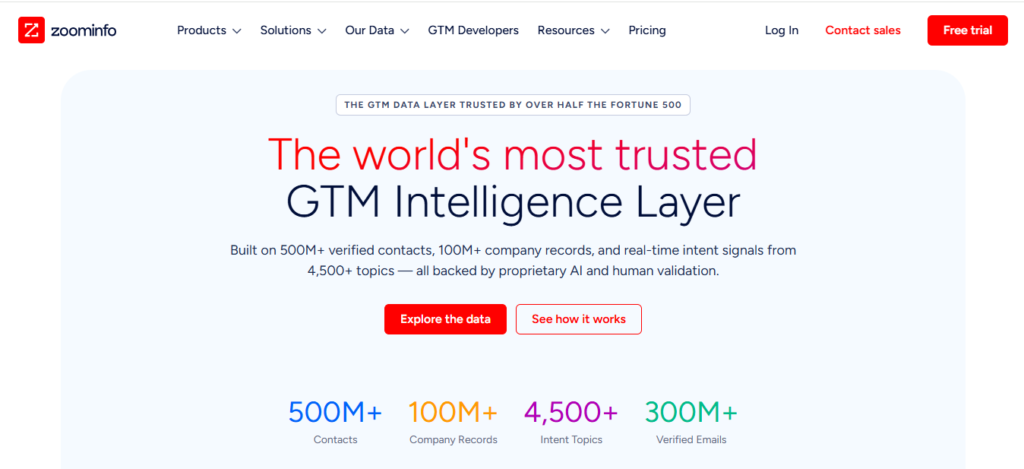
the platform includes more than 500 million contacts, more than 100 million company records, more than 300 million verified business emails, and more than 135 million direct-dial numbers. ZoomInfo also reports a 96% business-email deliverability rate and a 72% direct-dial hit rate.
ZoomInfo positions its contact-data offering around verified professional records, real-time phone and email lookup, and direct-dial coverage, according to its contacts and sales data page.
These are vendor-reported figures. They are useful for understanding platform scope, but your own market, region, company size, and target roles will determine the results you see.
Note
Intent data shows research activity, not purchase commitment. Use it to prioritize accounts, then validate interest through outreach and sales discovery.
ZoomInfo states that its intent coverage spans more than 4,500 topics and produces more than 85 million weekly intent signals. These signals can help prioritize accounts, but they should be validated through outreach and sales discovery.
Where Sales Navigator is strongest
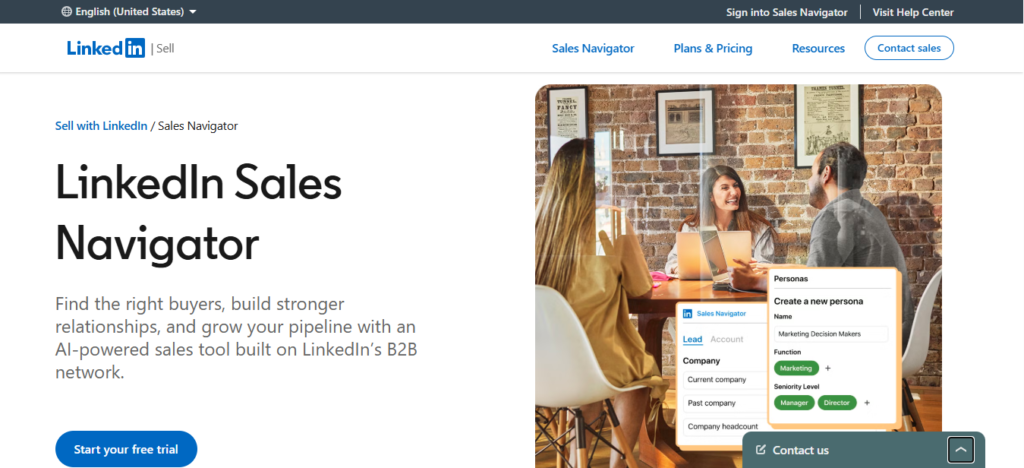
Sales Navigator is strongest when your team sells through relationships, referrals, and careful account research. Sellers can build lead and account lists, monitor job changes, track company activity, and identify shared connections.
It is especially useful for enterprise selling, account-based marketing, and complex buying committees. A rep can see who changed roles, which stakeholders are active, and whether a mutual connection can provide an introduction.
Sales Navigator does not provide business emails or direct dials as standard contact fields. Teams that use it for outbound usually need a separate enrichment tool to turn LinkedIn research into actionable contact data.
Which platform gives better B2B contact data?
ZoomInfo is generally better for contact-data coverage, while Sales Navigator is generally better for live professional context. The better choice depends on whether your bottleneck is reaching people or understanding and engaging them.
ZoomInfo combines web signals, partner data, contributor input, and research validation. Sales Navigator relies primarily on LinkedIn profiles that members maintain themselves. That difference affects how each platform performs for email deliverability, phone accuracy, job titles, and account research.
| Factor | ZoomInfo | LinkedIn Sales Navigator |
|---|---|---|
| Primary strength | Contact data, firmographics, intent, and enrichment | Professional network, relationship mapping, and account research |
| Emails and direct dials | Core contact-data capability | Not standard fields |
| Job titles and career context | Collected and refreshed through its data pipeline | Updated by LinkedIn members |
| Warm introductions | Not a primary feature | Strong through shared connections |
| Intent and account signals | Built into the platform | Limited to LinkedIn activity and alerts |
| Best use case | Building and contacting target lists | Finding and understanding target people |
Contact data ages quickly. People change jobs, companies reorganize, and email addresses stop working. A platform’s overall database size does not guarantee accuracy for the specific accounts and personas you target.
How to test contact accuracy with 100 contacts
Run the same 100-contact accuracy test in both platforms before choosing one. Pull contacts that match your ideal customer profile, then measure results against the same criteria.
- Select 100 contacts that match your target industry, company size, geography, and buyer role.
- Test email deliverability using the same verification process for both sources.
- Test phone accuracy by checking whether direct dials reach the intended person or the correct department.
- Check title accuracy against the contact’s current LinkedIn profile, company website, or other reliable source.
- Segment the results by region, company size, seniority, and industry to find where each source performs best.
Pro Tip
Do not judge a database by its largest number. Judge it by hit rate for the 100 accounts and personas your team actually sells into.
How do ZoomInfo and Sales Navigator pricing models differ?
ZoomInfo typically uses annual contracts and custom quotes, while Sales Navigator uses published per-seat pricing for Core and Advanced. The lowest monthly seat price does not necessarily produce the lowest total cost.
ZoomInfo does not publish a standard list price for every package. Its pricing can depend on seats, credits, data modules, intent features, and contract terms. LinkedIn publishes pricing for Sales Navigator Core and Advanced, while Advanced Plus is quoted for larger teams and CRM integration needs.
| Platform | Pricing model | What affects total cost |
|---|---|---|
| ZoomInfo | Custom annual quote; consumption and package options may apply | Seats, credits, data modules, intent features, add-ons, and renewal terms |
| Sales Navigator Core | Published per-seat pricing | Seat count, monthly versus annual billing, and separate enrichment tools |
| Sales Navigator Advanced | Published per-seat pricing | Seat count, billing term, and separate enrichment or automation tools |
| Sales Navigator Advanced Plus | Custom quote | Team size, CRM integration needs, and enterprise requirements |
LinkedIn’s Sales Navigator compare-plans page lists Sales Navigator Core at $119.99 per seat per month and Advanced at $159.99 per seat per month. Annual billing reduces the effective monthly price, but confirm the current terms directly with LinkedIn before signing.
Hidden costs that change the decision
The real comparison is not seat price versus seat price. It is the total cost to produce qualified meetings.
- Data credits that run out before the contract ends.
- Additional seats as the sales team grows.
- Intent, enrichment, or analytics add-ons that are not included in the base package.
- Separate email-finding tools if you use Sales Navigator without a contact-data platform.
- CRM cleanup time caused by duplicates, conflicting fields, and stale records.
- Renewal increases that were not modeled in the first-year budget.
Warning
A low-cost tool can become expensive if reps spend hours cleaning lists. Include research and data-cleanup time in your platform comparison.
How should ZoomInfo and Sales Navigator connect to HubSpot?
ZoomInfo is usually the stronger HubSpot fit for automated enrichment, while Sales Navigator is stronger for rep-led research. The right setup depends on which fields each system should own and how much automation your team needs.
ZoomInfo offers HubSpot integration through its Inbound Enrich app.
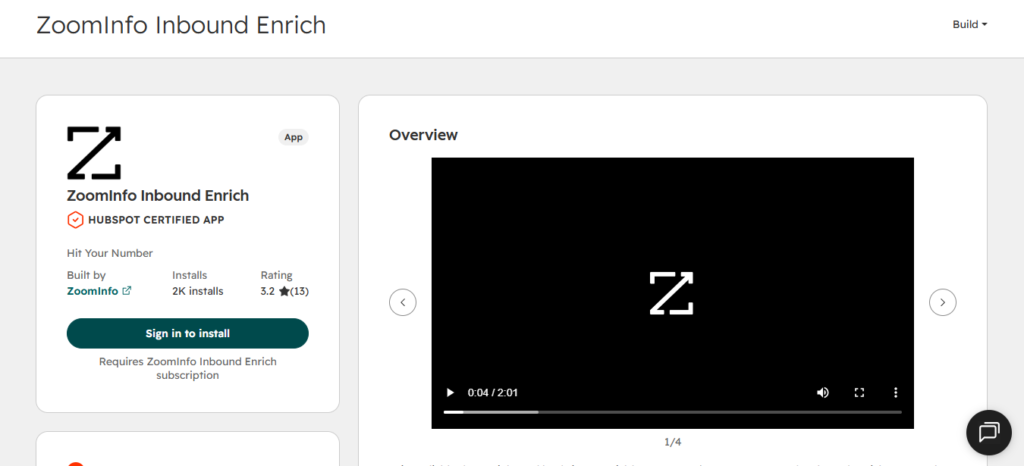
It can enrich new records and refresh existing records, helping teams maintain company and contact data inside HubSpot.
Sales Navigator can support CRM workflows, but its native integration requirements and available features depend on the plan and HubSpot edition. Review LinkedIn’s Sales Navigator Help Center and confirm the current requirements with LinkedIn and HubSpot before purchasing either platform.
Who owns each CRM field?
Two tools writing to the same HubSpot fields can create duplicates and overwrite useful information. Set a field-ownership rule before enabling any integration.
| HubSpot field | Recommended source of truth | Why |
|---|---|---|
| Work email and direct dial | ZoomInfo or another enrichment source | Sales Navigator does not supply these as standard fields |
| Job title and current role | Sales Navigator, with rep review | Members update their own LinkedIn profiles |
| Company size and industry | ZoomInfo | Firmographics are a core ZoomInfo capability |
| Lifecycle stage and deal stage | HubSpot | The CRM owns pipeline status |
| Rep notes and call history | HubSpot | Enrichment tools should not overwrite human context |
Key Takeaway
Assign one owner for CRM data quality. That person should review duplicates, bounce rates, stale titles, and integration errors every month.
Which tool fits your team size and sales motion?
Small teams often start with Sales Navigator, while teams scaling outbound often need ZoomInfo or both. The best choice depends on deal size, target market, sales cycle, and the amount of contact data your team needs.
| Team type | Best starting point | Why it fits |
|---|---|---|
| Small team with a limited budget | Sales Navigator Core | Per-seat pricing and LinkedIn research support a focused, relationship-led motion |
| Outbound team targeting a defined ICP | ZoomInfo | Contact data, firmographics, and intent signals support list building and sequencing |
| Enterprise team selling to buying committees | Both tools | Sales Navigator maps people and relationships; ZoomInfo supplies contact and account data |
| Referral-led agency or services firm | Sales Navigator | Shared connections and relationship context matter more than contact volume |
| Team entering a new market | ZoomInfo, with Sales Navigator for research | The team needs account coverage plus a way to identify stakeholders |
If ZoomInfo’s contract feels too large for your current stage, test alternatives using the same 100-contact method. Compare accuracy, credit model, contract length, HubSpot connection, and the number of qualified meetings each source produces.
How to calculate true cost per booked meeting
Cost per booked meeting is the fairest way to compare ZoomInfo and Sales Navigator. It includes every cost required to produce a meeting, not just the software subscription.
Use this formula:
Cost per booked meeting = (platform cost + added tools + rep time cost) / qualified meetings accepted by sales
| Input | What to include |
|---|---|
| Platform cost | Annual license, seats, credits, add-ons, and renewal increases |
| Added data tools | Email finders, enrichment tools, verification tools, and sequencers |
| Rep time cost | Hours spent researching, cleaning, and building lists multiplied by loaded hourly cost |
| Qualified meetings | Meetings that match your ideal customer profile and are accepted by sales |
Track booked meetings separately from held meetings. A booked meeting is not a qualified meeting until the prospect attends and sales confirms fit, authority, need, and timeline.
A practical 30-day test plan
- Week 1: Run the 100-contact accuracy test on both platforms.
- Week 2: Send the same message sequence to matched contact groups from each source.
- Week 3: Measure rep time spent on research, list building, cleanup, and outreach.
- Week 4: Calculate cost per qualified meeting and compare the results by source.
What mistakes should teams avoid?
Most teams buy a prospecting platform before defining the buyer, message, and follow-up process. The result is long contact lists, generic outreach, and low reply rates.
- Buying data before defining the ICP. Define the accounts, buyer roles, and qualification criteria first.
- Exporting large lists without prioritization. Use fit, intent, and trigger signals to focus outreach.
- Letting two systems overwrite the same fields. Set field ownership before integration.
- Treating intent as purchase intent. Intent signals show research activity, not a confirmed buying decision.
- Measuring lead volume instead of qualified meetings. Judge the platform by meetings sales accepts and holds.
Final Thoughts
ZoomInfo and LinkedIn Sales Navigator solve different parts of the prospecting problem. ZoomInfo helps teams find and contact the right accounts at scale. Sales Navigator helps sellers understand people, monitor changes, and build relationships.
The right platform is the one that matches your sales motion, passes your own accuracy test, integrates cleanly with your CRM, and lowers cost per qualified meeting. Put process and measurement in place before expanding either contract.
Do these four things next:
- Run the 100-contact accuracy test using your real ideal customer profile.
- Write the HubSpot field-ownership table before enabling enrichment or CRM sync.
- Calculate your current cost per qualified meeting to create a baseline.
- Run a 30-day source test before renewing or expanding either platform.